Free. No sign-up. Nothing stored.
Free birthday card maker: send an ecard with their name, no sign-up
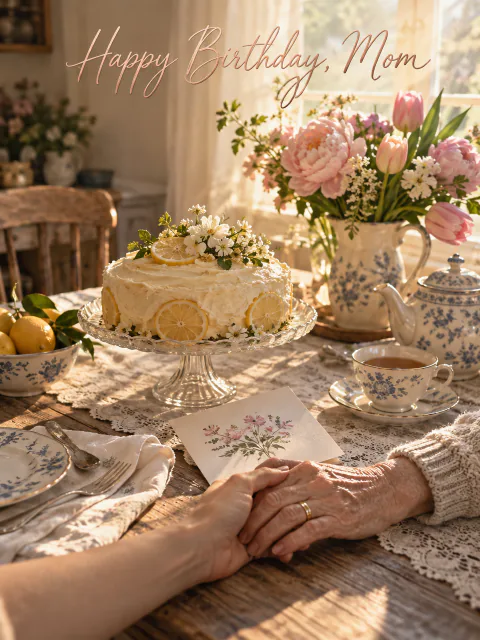
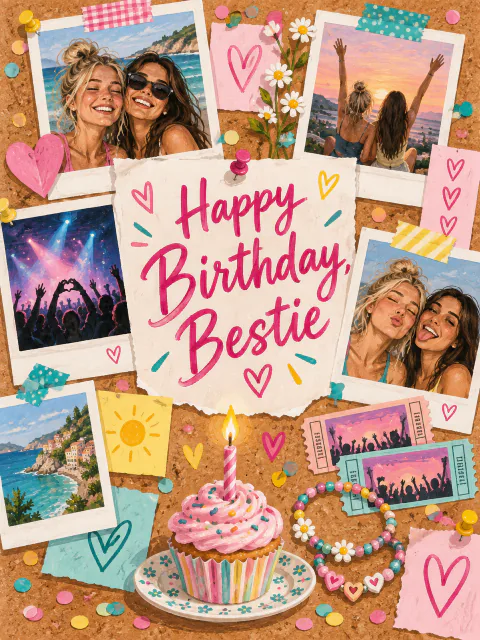
Pick who it's for, choose a picture and type their first name. You get a birthday card link, with a letter already written for that person and their name at the top, ready to send by text, WhatsApp or email. It's free, there's nothing to sign up for, and it takes under a minute.
Who is it for?

How it works
Pick who it's for
Girlfriend, dad, boss, best friend or one of 20 others. Each has its own letter, written for that kind of relationship.
Pick a picture and type their name
Choose one of the pictures made for that relationship, then type their first name. That's the only thing you type.
Send the link
Copy it into WhatsApp, a text or an email. They open an envelope, then the card, then the letter with their name at the top.
Pick who it’s for
Partners
 GirlfriendFor the person you text first when something good happens.
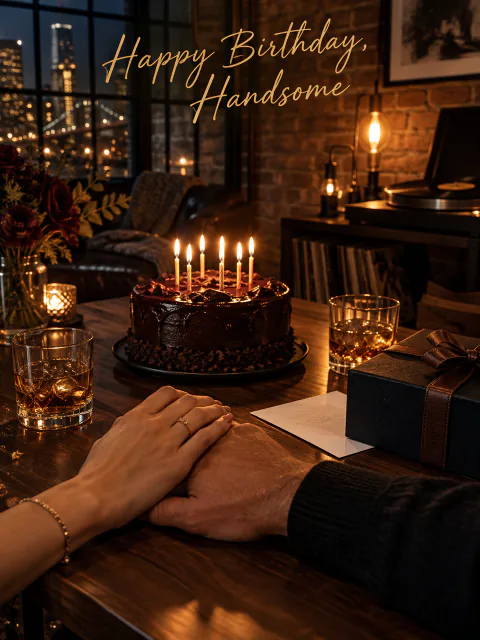 BoyfriendLow-key enough that he'll read the whole thing.
- WifeFor the person who shares your calendar, your couch and your coffee.
- HusbandFor the man who'll insist he doesn't want a fuss.
 CrushFriendly, a bit brave, and nothing that makes it awkward.
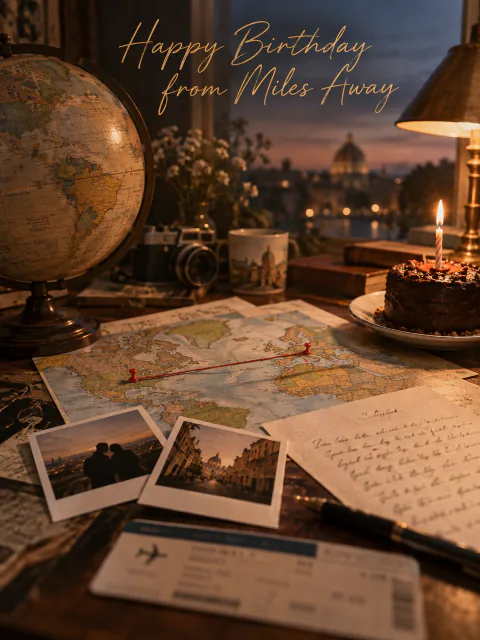 Long-Distance PartnerFor when you can't be there and a text feels too small.
Family
- MomFor the one who still asks if you've eaten.
 DadShort enough that he'll read it twice.
 SisterShe's seen every phase of you and still picks up.
 BrotherSays the nice thing once, then gets back to the jokes.
 SonWhat you'd tell him if he stayed on the phone longer.
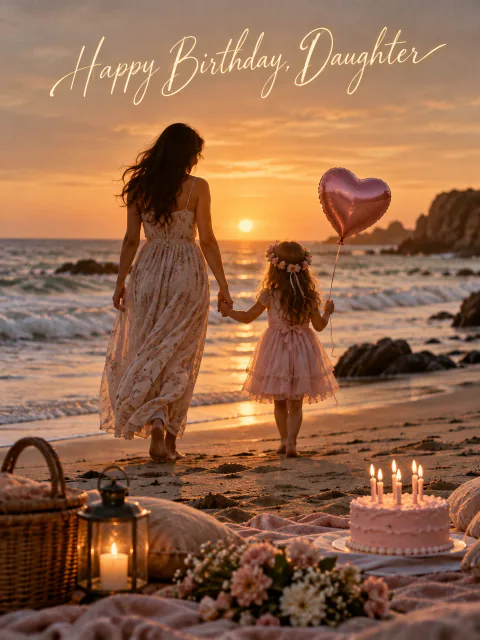 DaughterThe things you mean to tell her and usually don't.
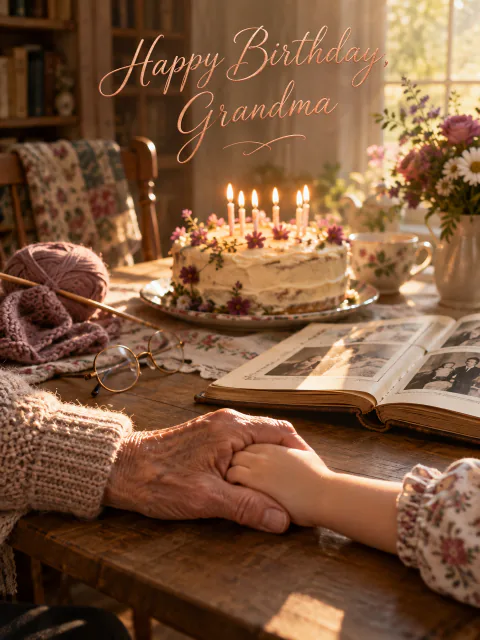 GrandmaFor the grandma who remembers everyone's birthday but her own.
 GrandpaFor the grandpa who has a story for every occasion.
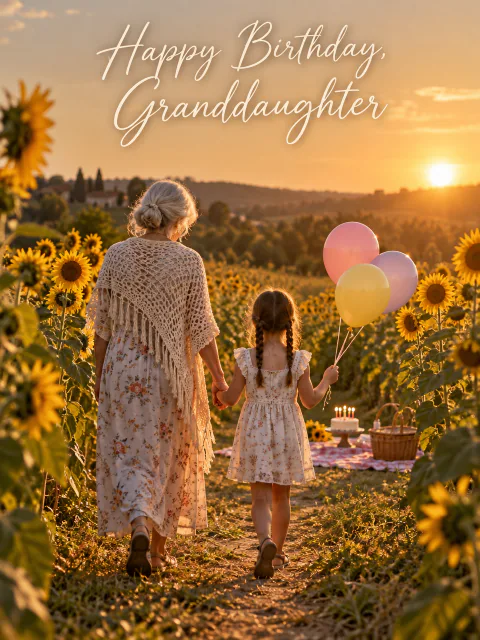 GranddaughterFrom a grandparent who notices more than she thinks.
 GrandsonProud of him, in words short enough to read.
 NieceFrom the aunt or uncle who gets to be fun.
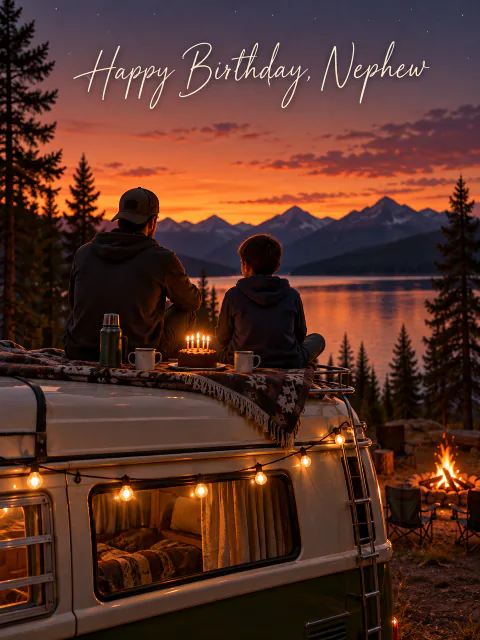 NephewOne more person in his corner, no lecture.
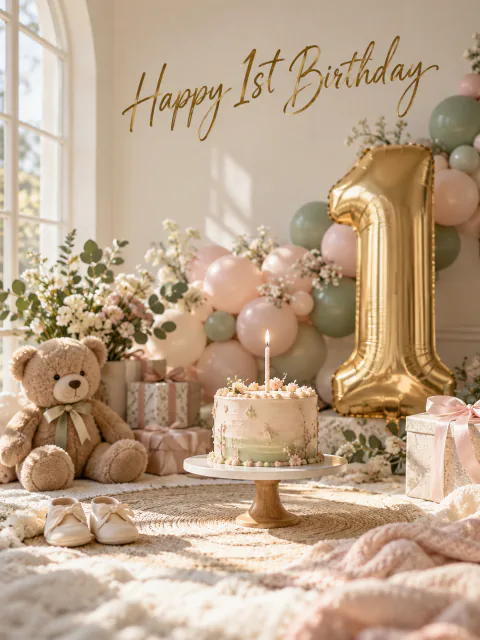 First BirthdayWritten to a one-year-old, mostly read by their parents.
Friends and work
 Best FriendFor the friend who'd help you move, twice.
 FriendFor the friend you can go months without seeing and pick right back up.
 BossWarm, professional and safe to send to your manager.
 CoworkerFriendly enough for the desk next to yours, not too much.
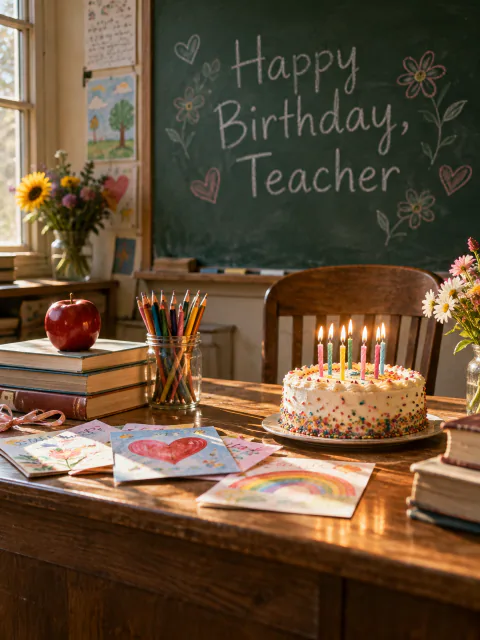 TeacherA thank-you tucked inside a birthday card.
Why the message is fixed
Every relationship on this site has one letter, written by us for that kind of person. The mom letter is written to a mom. The coworker letter sounds like a coworker wrote it, which mostly means friendly and not too much. You choose the picture and add the name. The words stay the same.
We did this on purpose. A card with a custom message needs somewhere to keep that message, and that means a database, an account to tie it to, and sooner or later a reason to charge you. A fixed letter can live in the page itself, so the only thing the link has to carry is a first name. That's what keeps the site free, and it keeps your words off our servers.
If you want to add something of your own, put it in the message you send with the link. One line in your own voice sitting next to the card does more than a paragraph typed into a box.
Send a birthday card by text or WhatsApp
Once you've typed the name, the page gives you the card link and a few ways to send it. The WhatsApp button opens WhatsApp with the link already in the message. On a phone, Share opens your phone's own share menu, which is the quickest way to send it as a text through iMessage or SMS. Copy link covers everything else: Messenger, Instagram, Telegram, Slack or email.
It travels as an ordinary link, so it costs the same as any other message and they don't need an app to open it. Most chat apps turn the link into a small preview, so they can see it's a birthday card before they tap.
Each link carries one name. For a birthday in a group chat, make the card for the birthday person and post it there; for twins, make two links. If you're sending to a relative who is wary of links, text them first to say a card from you is on its way.
What they see when they open it
The link opens to a sealed envelope. They tap it, it opens, and the picture card you chose slides out, in a photoreal, 3D or storybook style depending on which one you picked. Another tap opens the card to the letter, starting with "Dear Myra," or whatever name you typed.
They don't need an account or an app to see it. It's an ordinary web page, so it opens in whatever browser their messaging app uses, and on a laptop too.
When you paste the link into most chat apps, a preview appears with a line along the lines of "Myra, someone made you a birthday card", so they know what it is before they tap.
When to send it
Early beats late, but early doesn't mean midnight for everyone. For a partner, 12:01 works well, since it's the first thing on their phone when they wake up. For a parent or grandparent, send it in the morning, when they're already checking messages. For a boss or coworker, working hours are fine and a lot less odd than a late-night text.
If you only remember in the afternoon, send it anyway. A card that arrives at 4pm on the right day still lands better than one that turns up tomorrow with an apology attached. If you are a day late, the letters are written for the day itself, so add a line of your own owning up to it.
The site doesn't schedule anything. If you want the card to arrive at a set time, paste the link into something that does scheduled sending, like Gmail or the Send Later option in iPhone Messages, or set yourself an alarm.
Privacy: there's nothing to store
There's no database of cards. When you make one, the name you type goes into the link itself. A link like /girlfriend/b/myra/ means the girlfriend page, picture b, and the name Myra. Opening it rebuilds the card from those three pieces. Nobody saves it, because there's nothing to save.
That has a few consequences worth knowing. Anyone with the link can open the card, so treat it like any other link you share. The name is readable in the address, so if you'd rather not put a full name in a URL, use a first name or a nickname. And we can't delete a card for you, because we never had it. If you want it gone, delete the message you sent.
Like most websites, our servers keep short-lived request logs, and those include the address that was visited. The privacy page explains what that means in plain words.
Questions people ask
Are free ecards really free?
Not always. Some ecard sites call themselves free and then ask for a membership, a trial or card details before you can send anything. This one is free all the way through: there's no paid version, no trial that runs out, and we never ask for payment details. Because we don't store anything, the site costs very little to run, which is the main reason we can keep it free.
Do I need an account or an email address?
No. You don't sign up, and neither does the person you send it to. We don't ask for your name, your email or theirs. The only thing you type is the first name that goes on the card.
How do I send a birthday card by text or WhatsApp?
Make the card, then tap WhatsApp to open a chat with the link filled in, or tap Share on your phone to send it as a text message. On a laptop, copy the link and paste it into any chat or email. Each link carries one name, so make a separate link for each person.
Can I change the letter or write my own message?
No. Each relationship has one fixed letter, and only the name and the picture change. That's deliberate: a custom message would have to be stored somewhere, and storing nothing is what keeps this free and private. Say anything extra in the message you send with the link.
Does the link expire?
No. The card isn't saved anywhere, so there's nothing to expire or clean up. The link rebuilds the card every time it's opened and keeps working for as long as this site is running.
Is an online birthday card less thoughtful than a paper one?
It depends more on timing and words than on paper. A card that arrives on the day, addressed to them, with a line from you alongside it, usually means more than a paper card that shows up a week late. Some people do love paper, grandparents especially, so if you can manage both, send both.
What should I write when I send the link?
Something short in your own voice. Mention one specific thing: a plan you have together, a joke only they'll get, something they've been working hard on. "Happy birthday, open this after your coffee" is plenty. The card handles the longer part.
Will I know when they've opened it?
No. Nothing tells you when it's opened, and we can't see which card was opened either. Most people reply when they get a birthday card, so their reply is your read receipt.